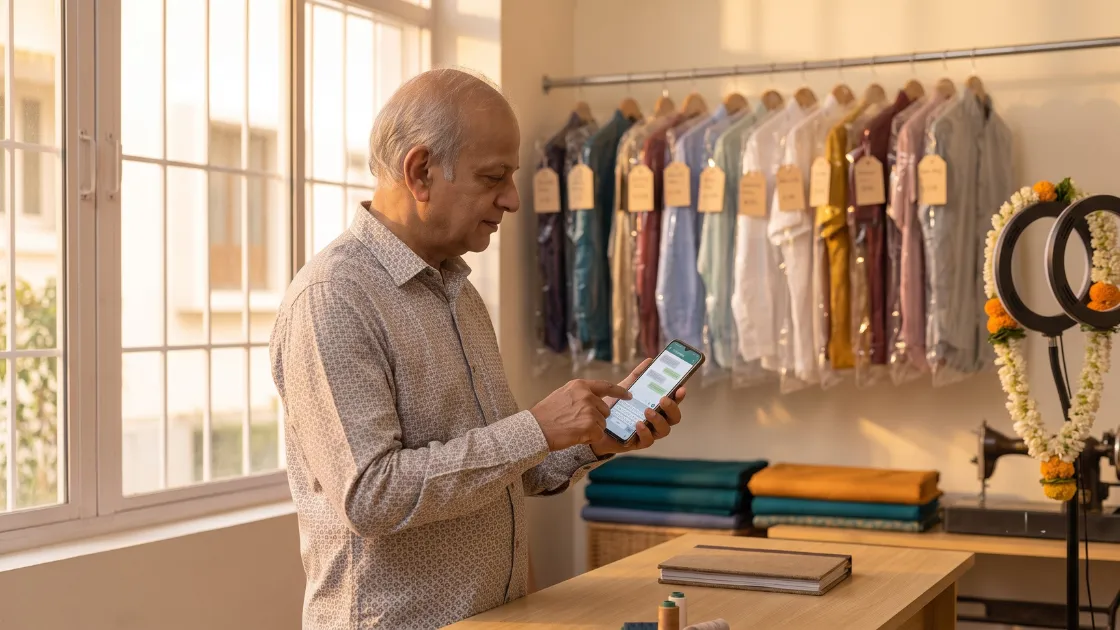
Set Up WhatsApp Business in 20 Minutes
Download the free WhatsApp Business app and register your shop number. Your old chats stay; the tools change. Fill in five things:
- Name and category: "Meena Ladies Tailor, Erode" builds more trust than a first name and a flower DP.
- Timings and location: Customers check these before visiting. Update them for festival weeks.
- Catalog: Add 10–15 photos of finished work — blouse backs, kurti necklines, safari suits — with a price range under each. Half your "rate kya hai?" chats end right here.
- Quick replies: Save your rates, timings and UPI details as shortcuts. Type a short code instead of the same paragraph twenty times a day.
- Greeting and away messages: An auto-reply at 11 pm — "We open at 10 am, your message is saved" — holds the order without waking you.
5 Copy-Paste Message Templates
Save these as quick replies in WhatsApp Business. Change only the bracketed text before sending.
1. Order Confirmation
Namaste [Name] ji! Your order is booked at your boutique.
Item: [blouse with lining]. Order no: [214].
Advance received: Rs. [300]. Balance: Rs. [400].
Trial: [Tue, 18 Aug]. Delivery: [Fri, 21 Aug].
Please save this message. Thank you!
2. Trial Reminder
Namaste [Name] ji, a reminder from your boutique: your trial fitting for the [lehenga blouse] is tomorrow, [Tuesday, 18 Aug], between [4 and 7 pm]. Please bring the matching saree. See you!
3. Ready for Pickup
Good news, [Name] ji! Your [2 kurtis] are stitched, pressed and packed. Order no: [214]. Collect any time today till [8:30 pm]. Balance due: Rs. [400], cash or UPI. — your boutique
4. Balance Due
Namaste [Name] ji. Your [saree fall-pico and blouse] order was delivered on [12 Aug]. A small balance of Rs. [250] is pending. You can pay on UPI at [98xxxxxx00] or on your next visit. Thank you for choosing your boutique!
5. Festival Greeting with Offer
Wishing you and your family a very happy [Diwali] from your boutique!
Festival orders are open. Book before [25 Sep] for guaranteed delivery before [Diwali]. Show this message for Rs. [100] off on orders above Rs. [1,000]. Reply BOOK to hold your slot.
Your Status Is a Free Shop Window
Post to WhatsApp Status three or four times a week. What works best for tailor shops:
- Before-and-after transformations (raw fabric vs. finished designer garment)
- A 15-second video clip of a intricate neckline or embroidery being finished
- Fresh fabric arrivals & new pattern announcements
- "2 slots left for pre-Diwali delivery" urgency alerts
Everyone watching has already saved your number — they are the warmest audience you will ever get. Many tailor shops fill their entire festival order slots from just one Status post.
Broadcast Lists Bring Festival Orders Back
A broadcast list sends one message to many customers as separate individual chats — without an awkward or noisy group chat. Build targeted lists like "Blouse customers" and "School parents".
Two golden rules for WhatsApp broadcasts:
- Broadcasts only reach saved contacts: Messages are delivered only to customers who have saved your shop number in their contacts.
- Keep frequency low: Send at most one or two broadcasts a month. A well-timed festival greeting with a clear booking cutoff date is the highest-return message you will send all year.
Where WhatsApp Alone Breaks
WhatsApp is a conversation platform, not an operational system. As your tailor shop grows, the cracks quickly begin to show:
- Measurements get buried: A blouse measurement from March sits forty scrolls up in the chat history, buried between good-morning forwards.
- No real-time order status: Every "Bhaiya, ready?" query still requires you to call or ask the karigar before replying. Multiply this by thirty active orders.
- Pending balances slip away: Half-paid orders walk out the door, and the chat history forgets faster than you do.
- Single-device bottlenecks: When a family member or assistant answers from the counter phone, nothing promised reaches your central ledger or diary.
The fix is not leaving WhatsApp. It is putting a system behind it. The Juvee tailor app keeps orders, measurements, and balances in one place and sends automatic order updates, so "ready?" messages answer themselves. When you digitise your tailor shop, WhatsApp goes back to doing what it does best: holding conversations.
Frequently Asked Questions (FAQ)
Q: Is WhatsApp Business free for tailor shops?
A: Yes. The WhatsApp Business app is completely free for small businesses, including features like business profile, catalog, quick replies, and greeting messages. Only the WhatsApp Business API used by enterprise companies has per-message costs.
Q: How do I tell a customer their order is ready on WhatsApp?
A: Keep it short and complete: mention the garment, order number, pickup timing, and pending balance. Copy Template #3 above — it proactively answers the customer's next three questions before they even ask.
Q: Can WhatsApp replace tailoring software?
A: No. WhatsApp handles customer communication, but it cannot track shop order status, store detailed measurement records, or calculate pending balances. Smart tailor shops pair WhatsApp with dedicated tailor management software like Juvee so updates go out automatically.
Try This With Juvee
Automate Your Order Updates with Juvee
Juvee turns the templates above into automatic updates — order booked, trial tomorrow, ready for pickup — sent instantly without you typing a single word.
• Start free on the Basic plan: juvee.in/free-trial (No credit card required; Rs. 10,190/year thereafter).
• Download the App: Download the Juvee tailor app on Google Play and send your first automatic update today!
Related reading